
CARTECH HUB · SAWKUCHI, GUWAHATI
Workshop photo gallery
Walk through the workshop in 15 photographs, from the illuminated entrance and service desk to the covered bays and paint booth. Open any photograph to see the full frame.
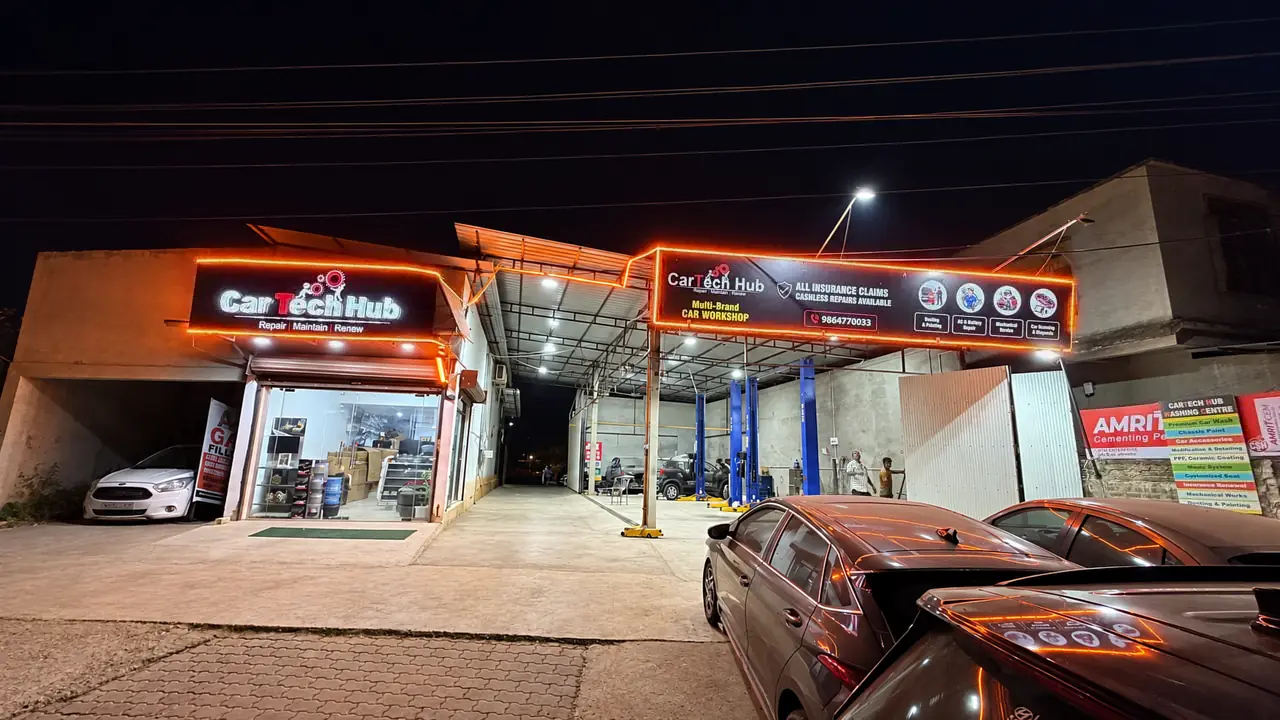
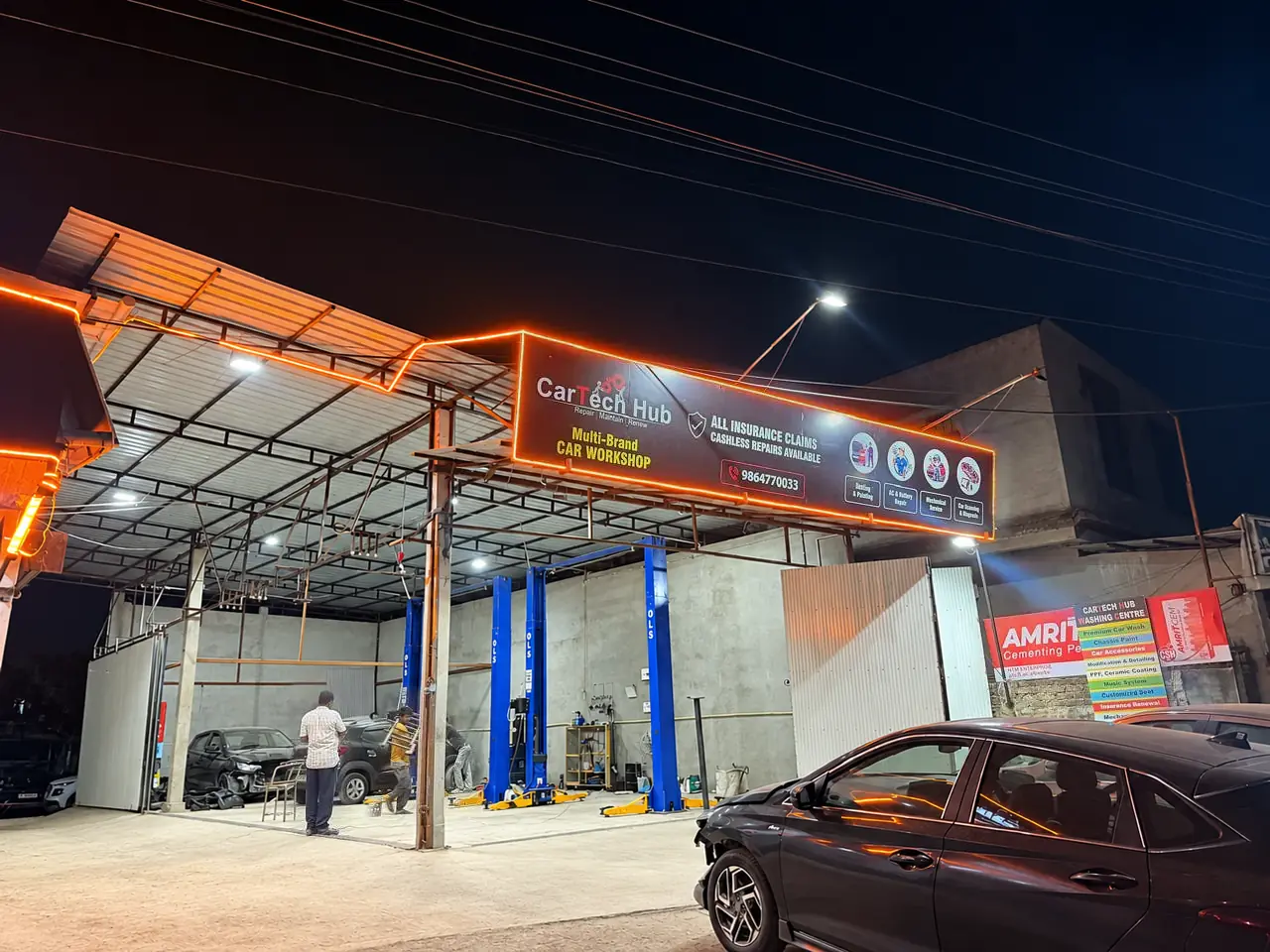
Exterior
Locate the sign and the entrance beside it before you arrive.
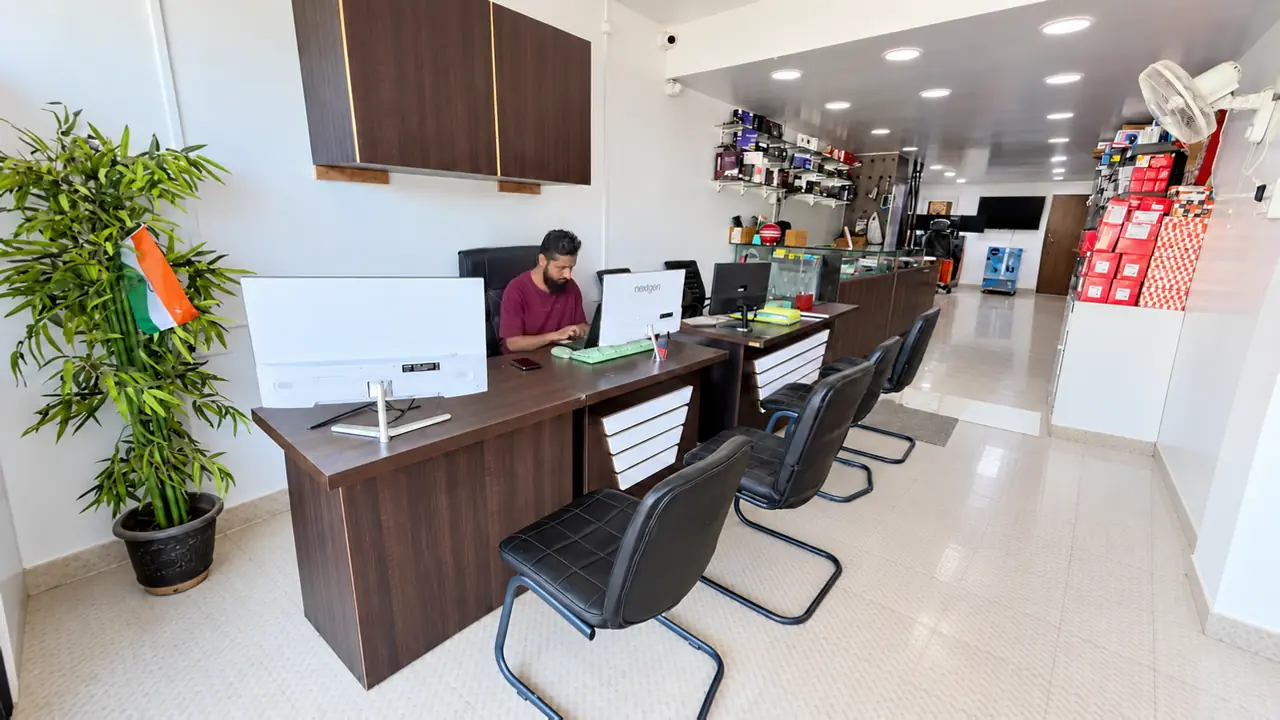
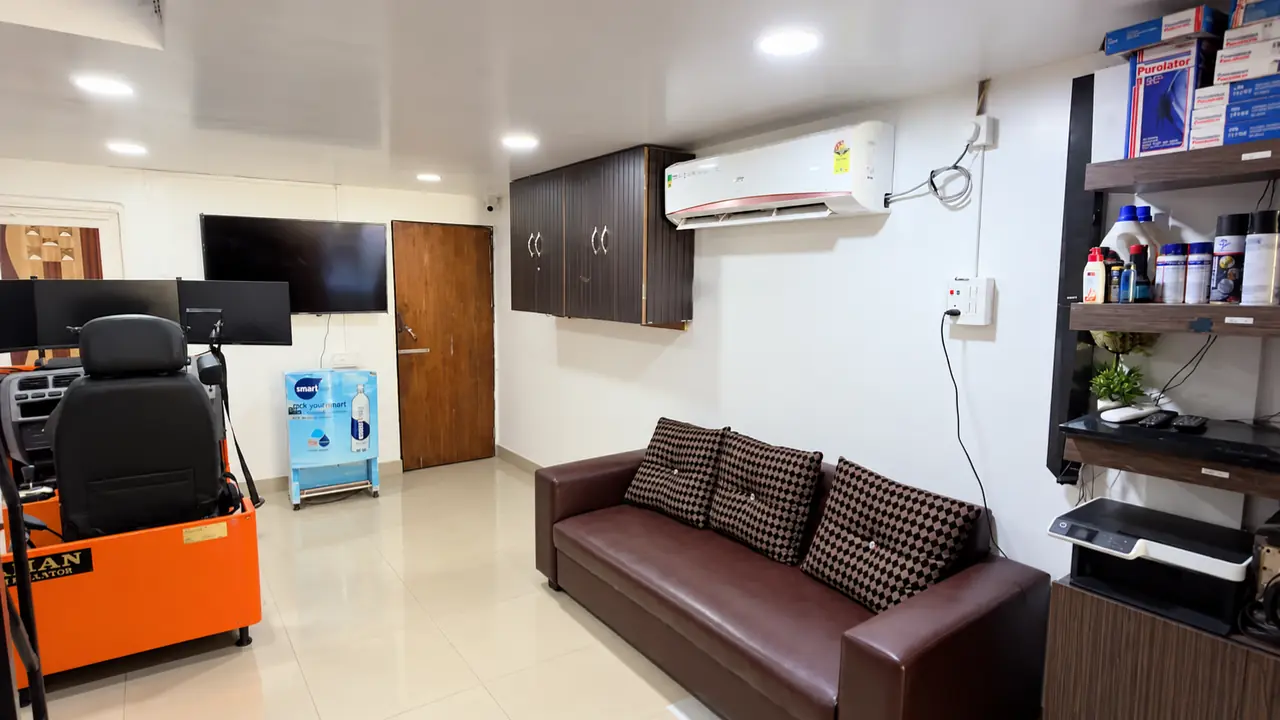
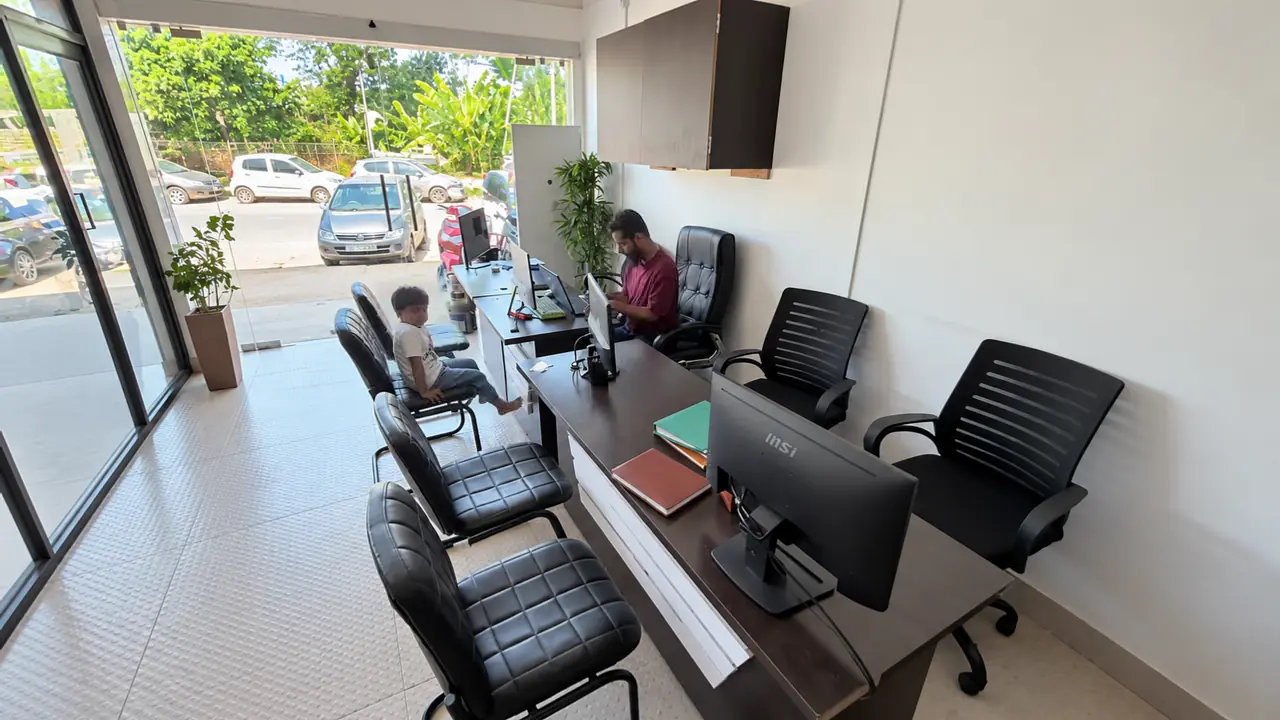
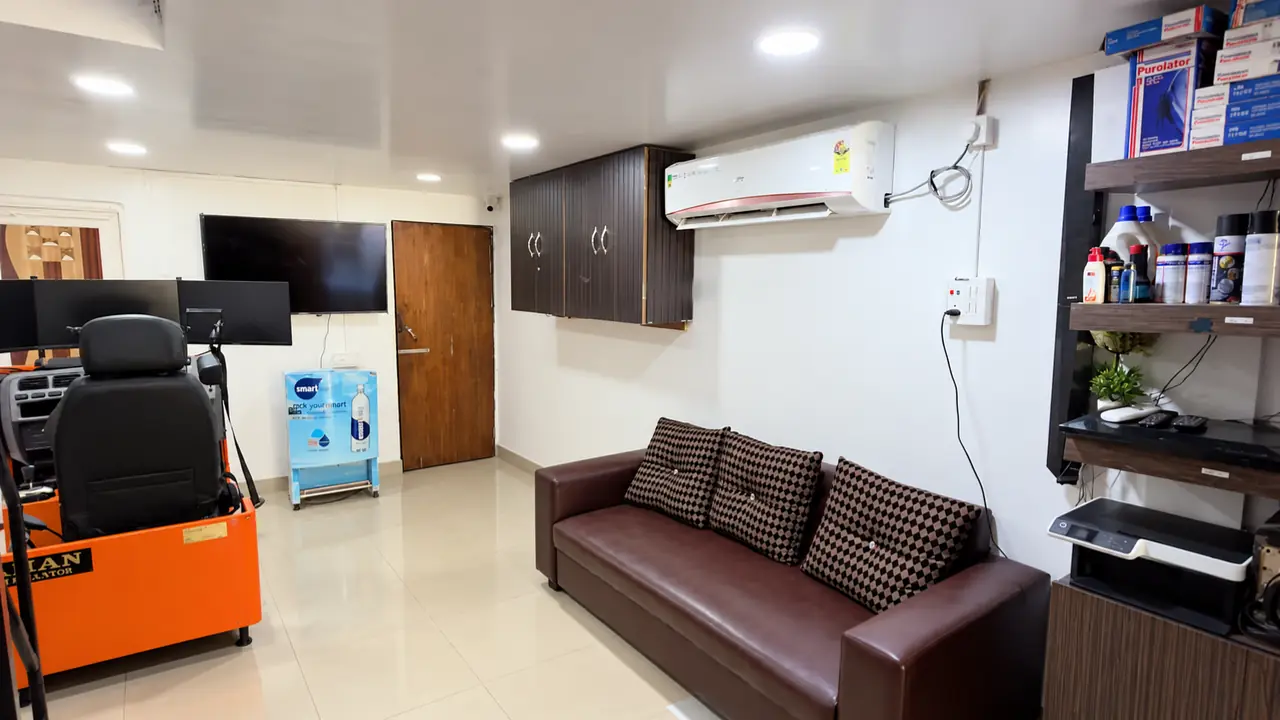
Reception & waiting area
See the service desk, seating and waiting area before your visit.
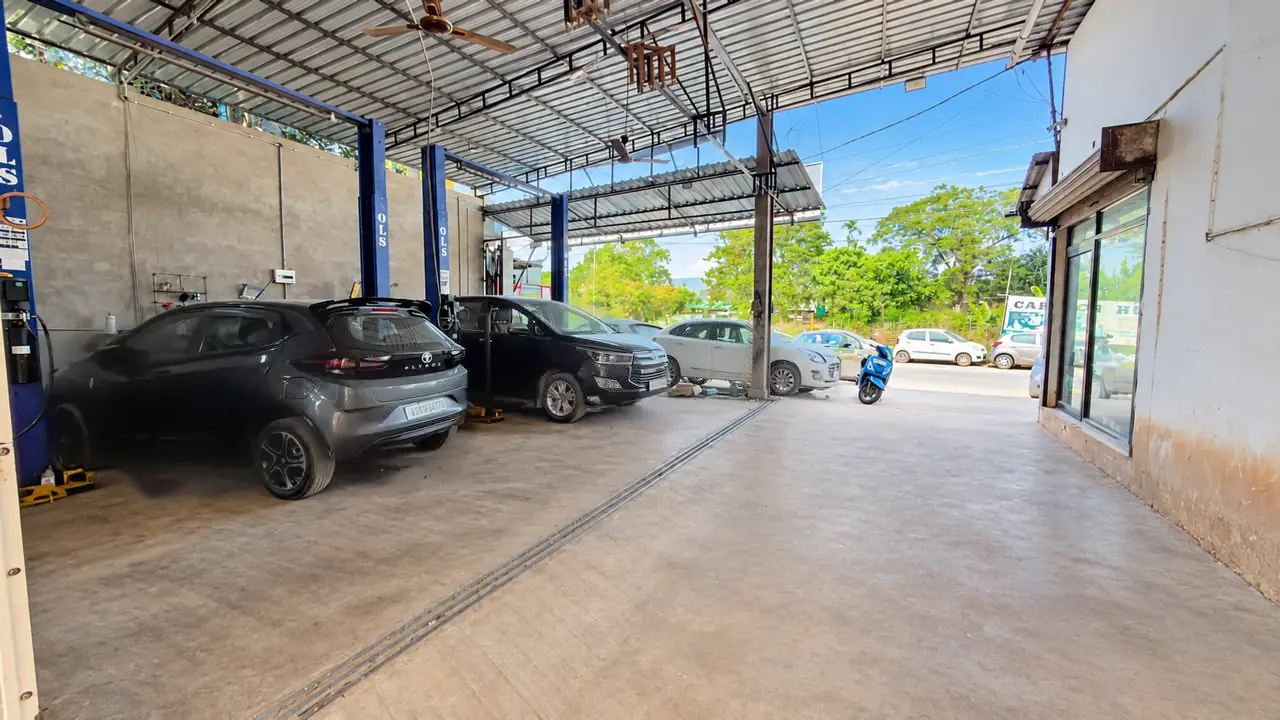
Service bays
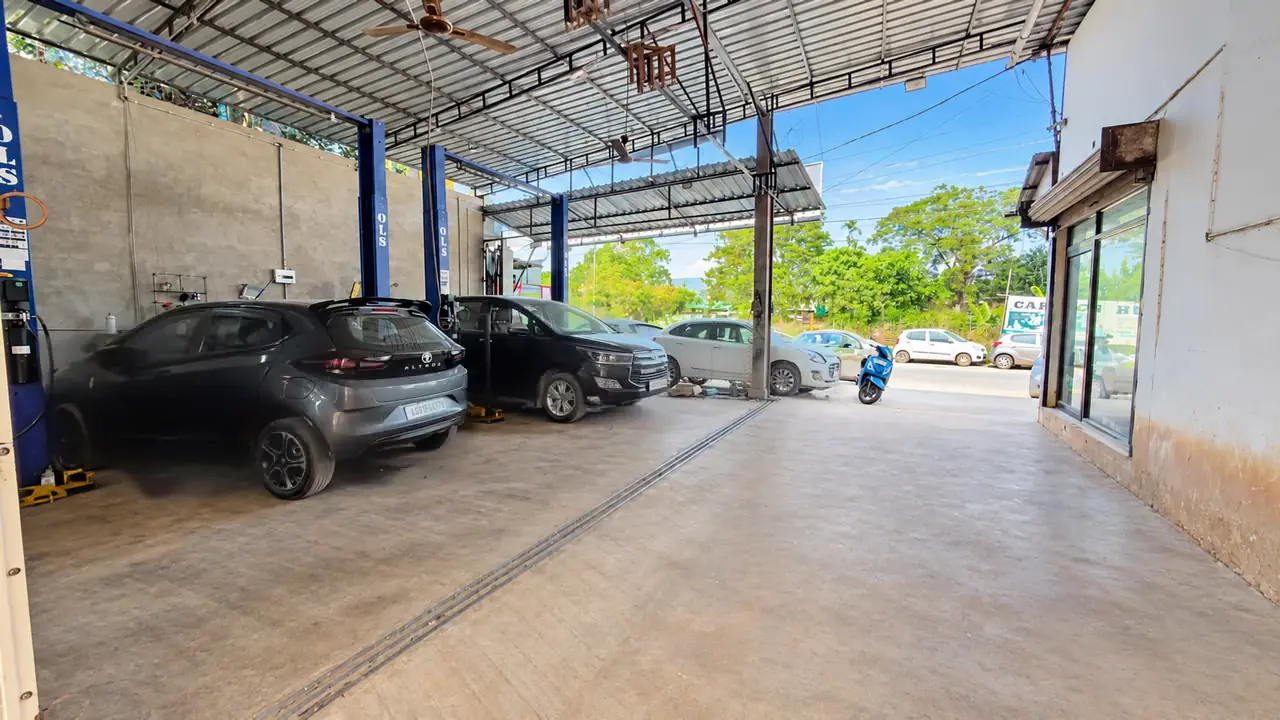
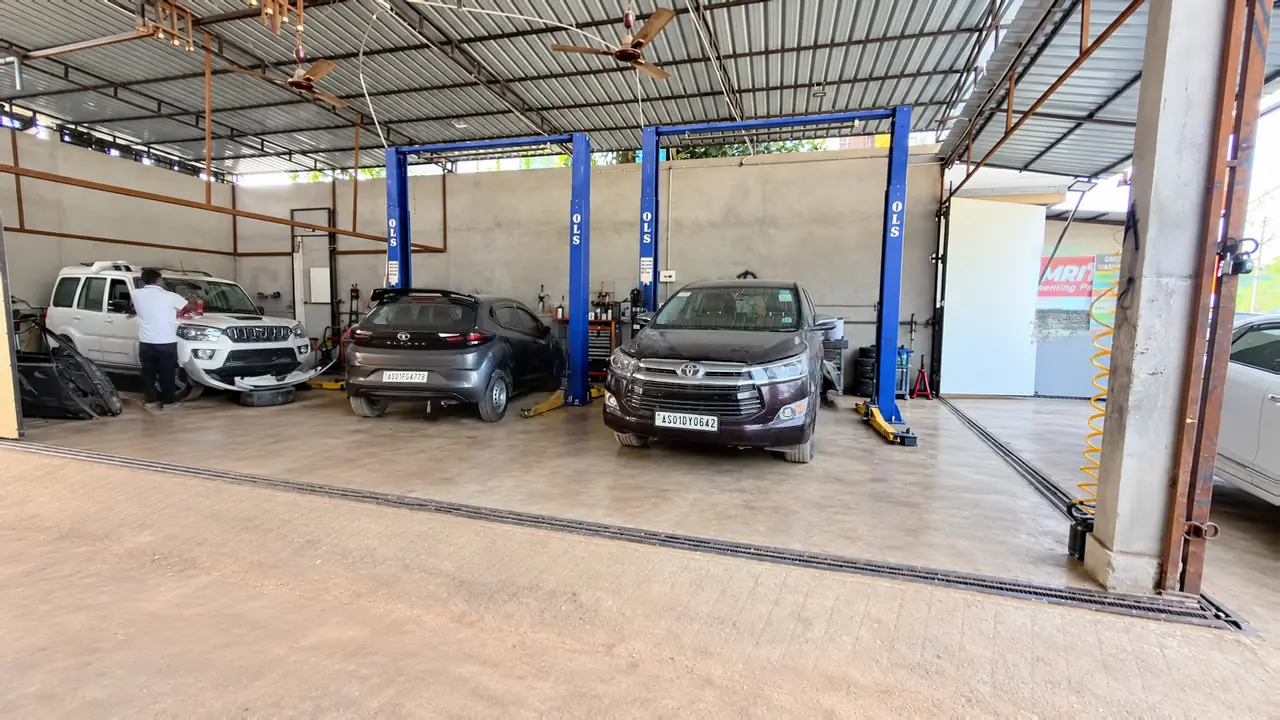
Look across the covered bays and lift posts where vehicles come in for assessment.
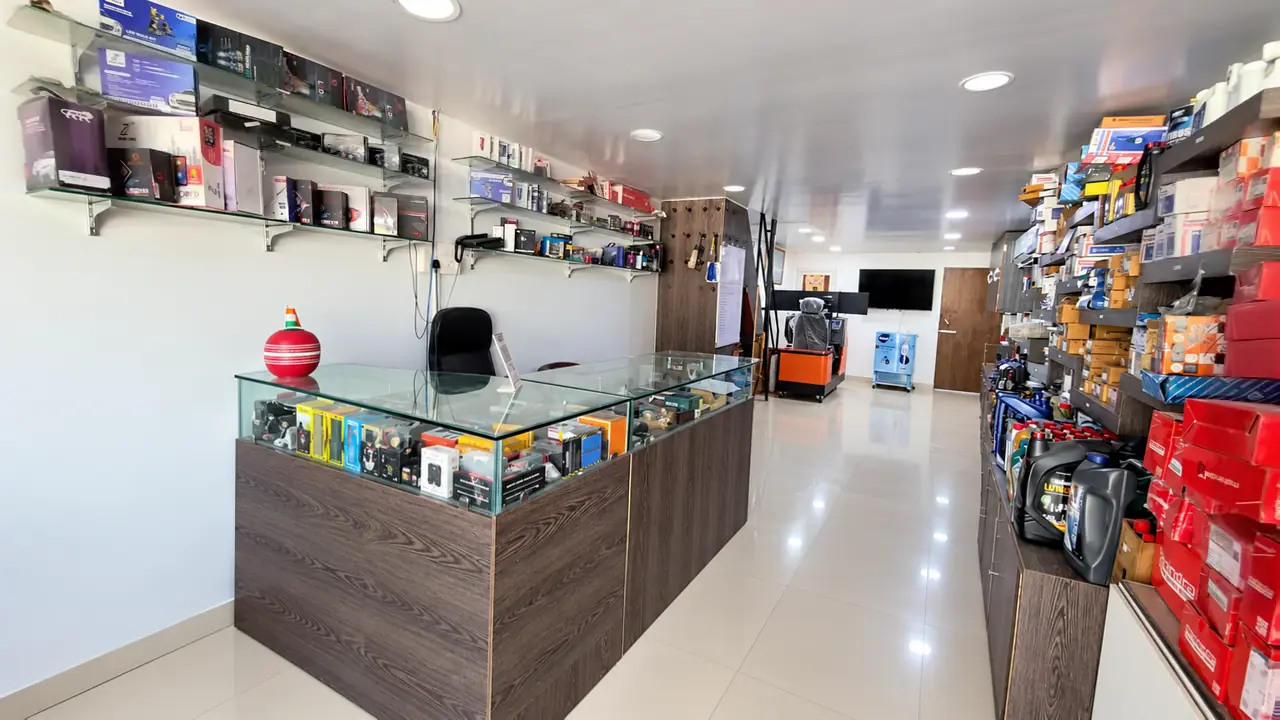
Parts display
See the parts counter and shelving along the showroom aisle.
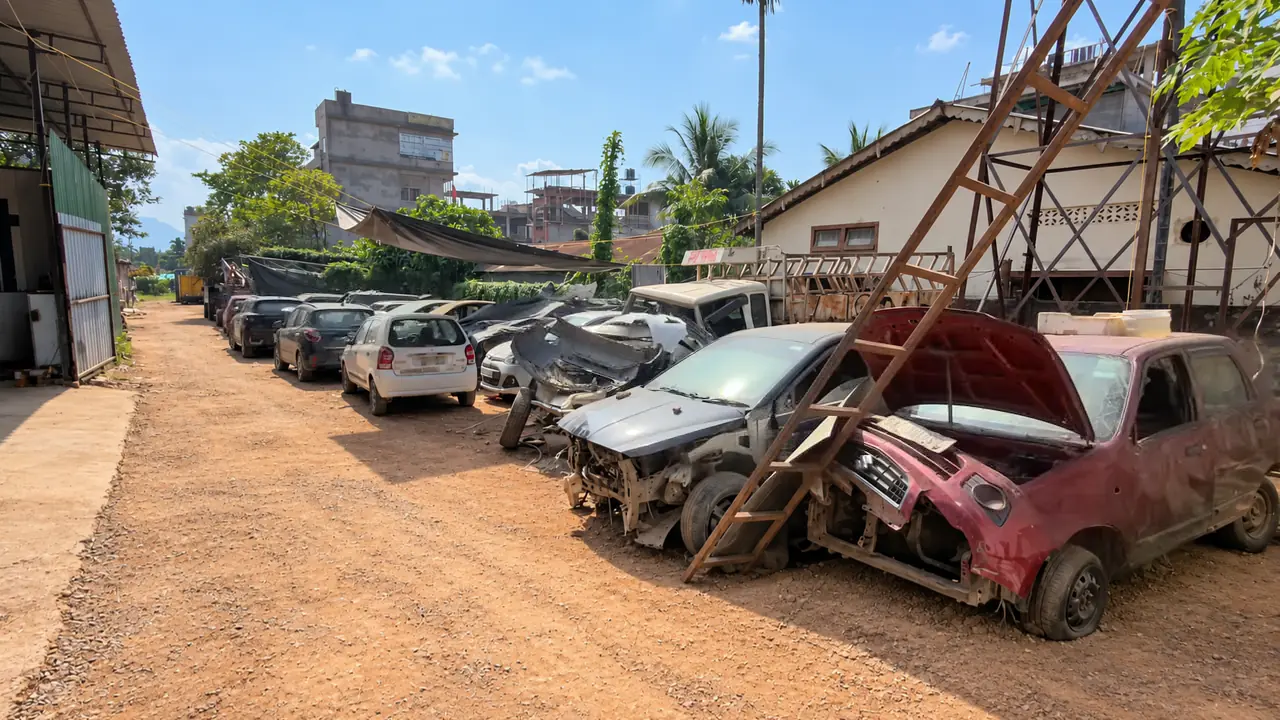
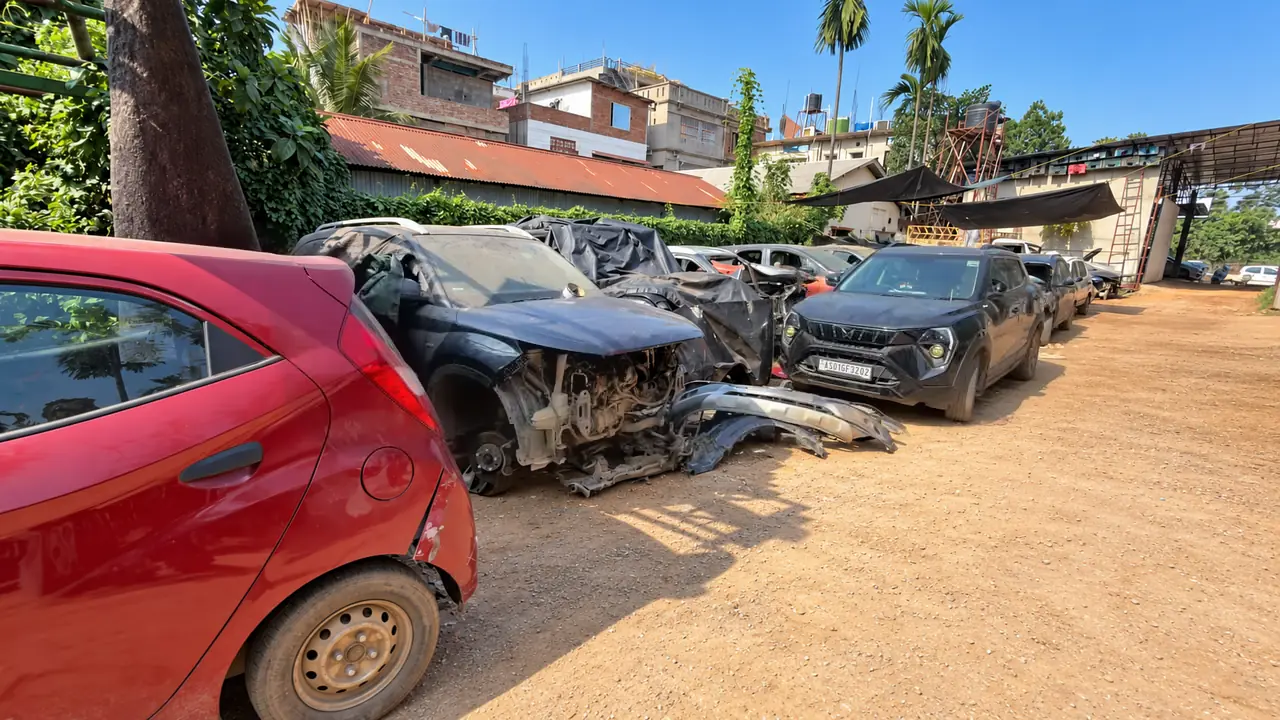
Body shop & paint booth
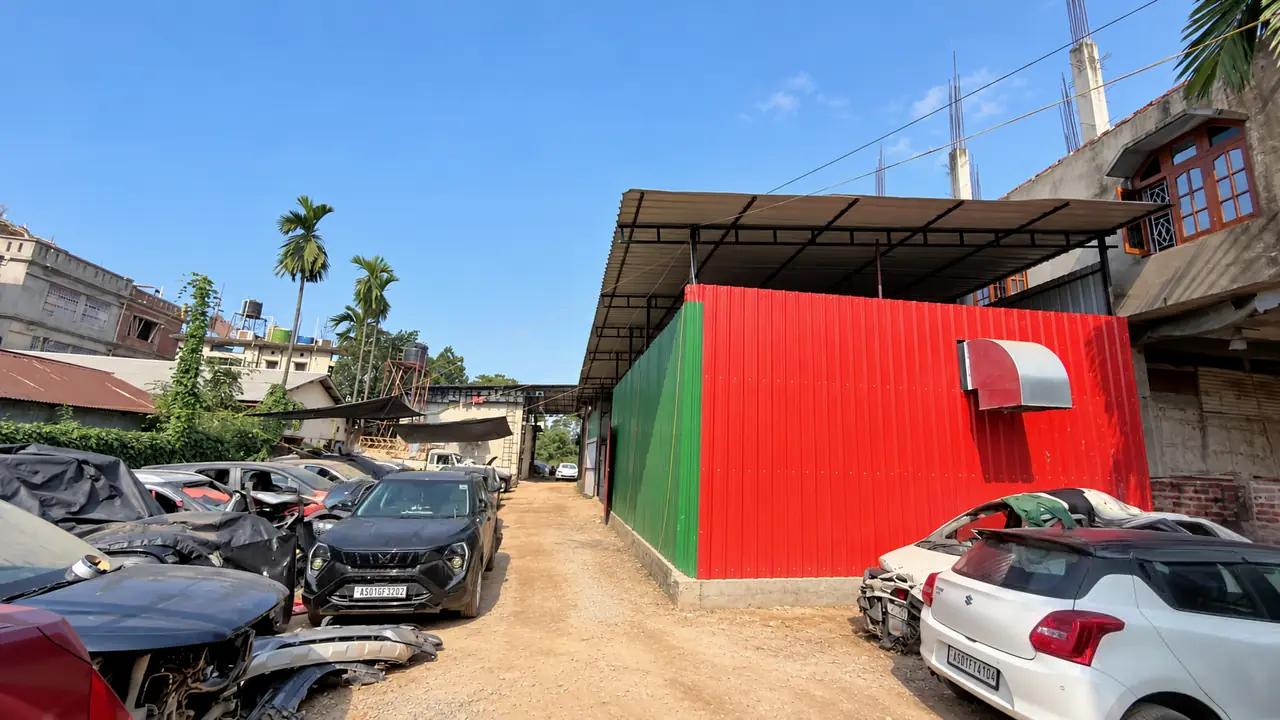
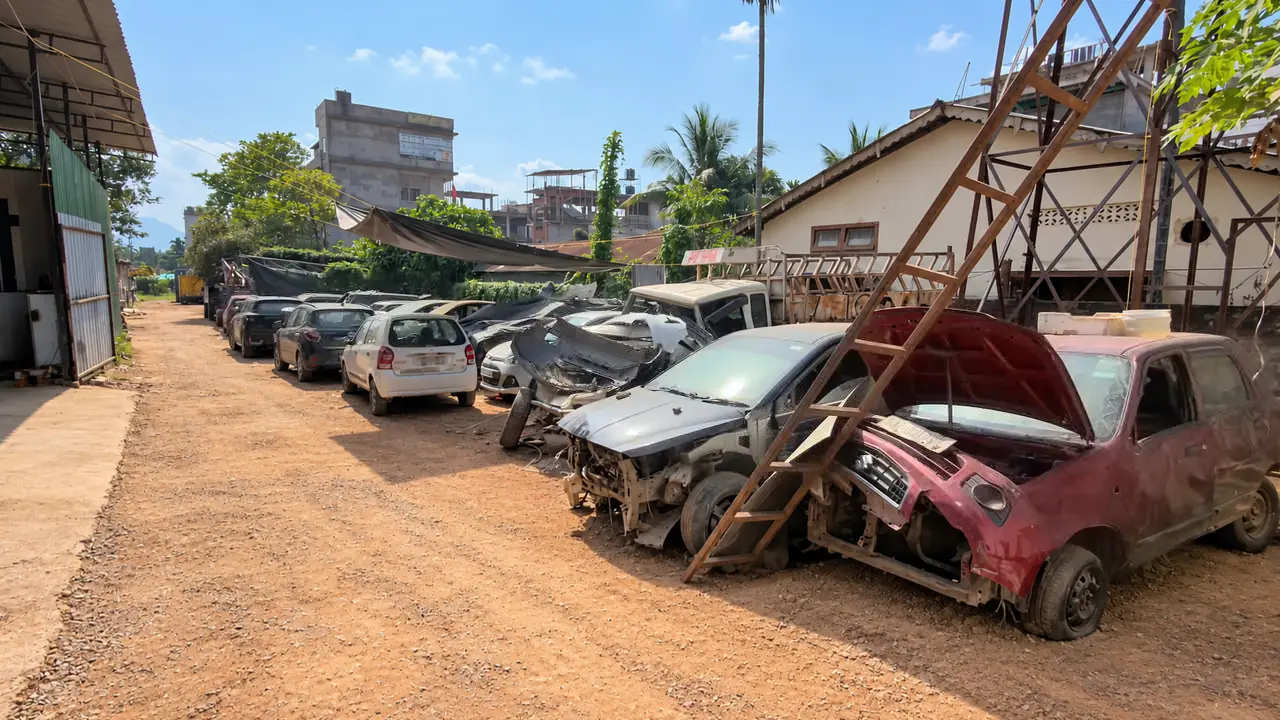
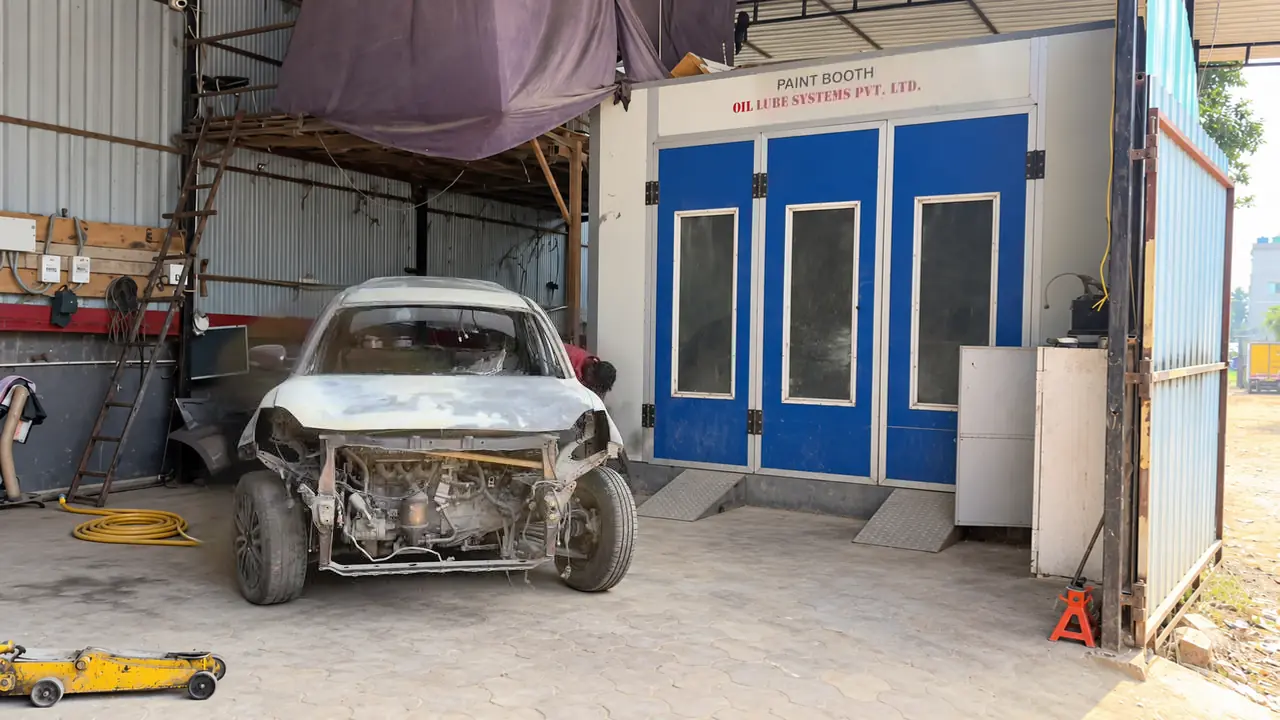
Explore the repair yard and the vehicle beside the blue paint booth doors.
Questions about the workshop gallery
Where were the photographs in the CarTech Hub workshop gallery taken?
They show the CarTech Hub workshop at 69 Embankment Main Road, Kanaklata Path, Sundarban Nagar, Sawkuchi, Guwahati. The images are grouped by the area they show, from the street entrance to the body repair yard.
Which entrance should I look for when arriving at CarTech Hub?
Look for the CarTech Hub sign above the storefront beside the open service entrance. The evening photographs show this arrangement from two angles. Use the contact section for directions before travelling.
Where can I speak to a service advisor at CarTech Hub?
The reception photographs show the desk with visitor chairs and the nearby waiting area. Bring your booking reference, or tell the advisor your vehicle’s make, model and reason for visiting.
Is car servicing available in the covered bays shown at CarTech Hub?
Yes. CarTech Hub accepts service and maintenance enquiries in Sawkuchi. The photographs show the covered floor and blue vehicle lifts. Share your model, year, mileage and symptoms so the workshop can confirm the appointment and work needed.
Can CarTech Hub check a part I noticed in the showroom photograph?
Yes. The photograph shows where the counter and display shelves are. Give the parts team the part number or a clear label, along with the model, year and variant. The team can then check current availability and fitment.
Which CarTech Hub photograph shows the paint booth?
Open the body shop and paint booth group. In the paint booth photograph, a vehicle with its front bumper and lamps removed stands beside blue windowed doors. Use the denting and painting enquiry for a panel assessment.
Can CarTech Hub quote for my accident repairs from a photo of another car in the workshop yard?
The repair yard photographs show examples of vehicles on site. To assess your own car, CarTech Hub needs the incident details, the areas affected and an inspection of the visible and potentially hidden damage.
Does the CarTech Hub gallery show the welding process for my vehicle?
The supplied photographs show the repair yard, exposed vehicle panels and the paint booth. They do not document a welding procedure. Discuss the damaged structure, material and proposed joining method with the workshop before approving work.
How can I view the full CarTech Hub photograph on my phone?
Tap the photograph or its Full size link to open the original WebP image. It shows the full frame, including the signs, vehicles or equipment in that view. Use the browser’s Back control to return to the same group.
Can I use the CarTech Hub gallery to check my own repair status?
For a personal update, contact the service advisor with your booking or job reference. The gallery is a public tour of the workshop and does not identify a customer’s current repair stage.