
Key care guide · CarTech Hub
XUV700 will not unlock: fob button, door handle or Adrenox app?
Use a clear fault description for the XUV700’s physical remote, passive entry or connected services before paying for a replacement key.
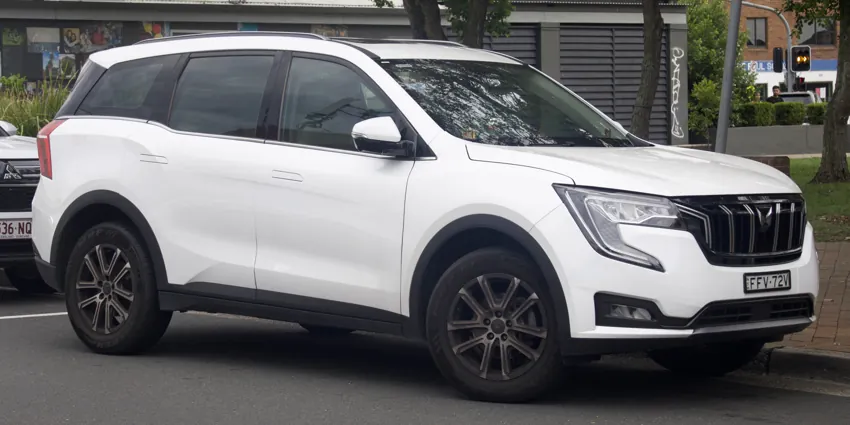
- Make
- Mahindra
- Model
- XUV700
Tell the workshop how you normally unlock it
The account “my XUV700 will not unlock” leaves several possibilities open. One driver presses the remote; another uses the handle with the key nearby; a third uses a connected command on a phone. Write down the method you used, whether it normally works on that vehicle and what you observed this time.
Use a comparison that reflects real use
If an existing authorised spare is available, say whether it behaved the same way in ordinary use. Record the difference between a single door and the entire vehicle, or between one parking location and several. If the phone app reports an account or connectivity error while the physical key works, include the wording without sharing login details.
Agree on the expected result
Specify whether the appointment concerns a damaged fob, an assessment of the vehicle’s entry system or a connected-service support question. A paid key replacement may be irrelevant to an app-only issue. Ask what route is supported before arranging recovery of a vehicle that cannot be moved.
Questions about this service
Does the owner’s manual say every XUV700 has passive entry?
Mahindra describes passive and remote keyless systems according to the variant. Check the manual and the equipment on your SUV.
