
Key care guide · CarTech Hub
Hyundai Creta key not detected or remote not working?
Use the warning on the Creta display and what the door buttons do to describe the fault. The two observations can point to different inspection needs.
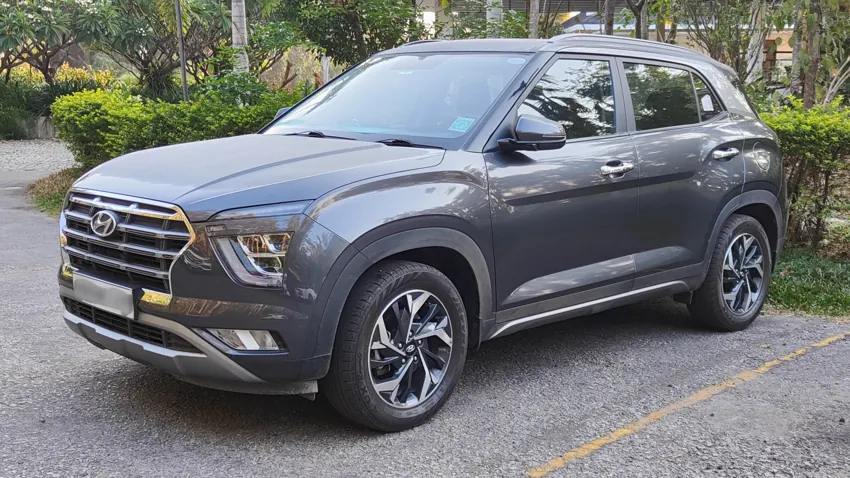
- Make
- Hyundai
- Model
- Creta
Write down the display message
Hyundai’s Creta manual describes a key-detection message on smart-key-equipped versions. If you were already seated when it appeared, note that. A remote that fails to unlock the parked vehicle from outside is a different experience. Ask another regular driver what they actually observed before describing both as the same fault.
Record where and when it happens
Does the same key behave normally at another familiar parking place? Did the complaint begin after rain, a drop or a case change? A second authorised key working under similar circumstances can be a useful comparison. Record what you know, and leave uncertain details open.
Book for the right vehicle
Say Creta, Creta N Line or Creta Electric, followed by the build year and key type. If the display prevents normal use, tell the workshop where the vehicle is parked before planning a journey. Parts and timing can be confirmed after the exact equipment and available support are checked.
Questions about this service
Is every Creta warning a smart key programming job?
No. The wording, door operation, vehicle version and available comparison key determine which system first needs attention.
