
Key care guide · CarTech Hub
BMW 3 Series physical key works, but the phone key has stopped
Changing a phone and damaging a key fob are different starting points. Use BMW’s compatibility information before arranging a physical key replacement.
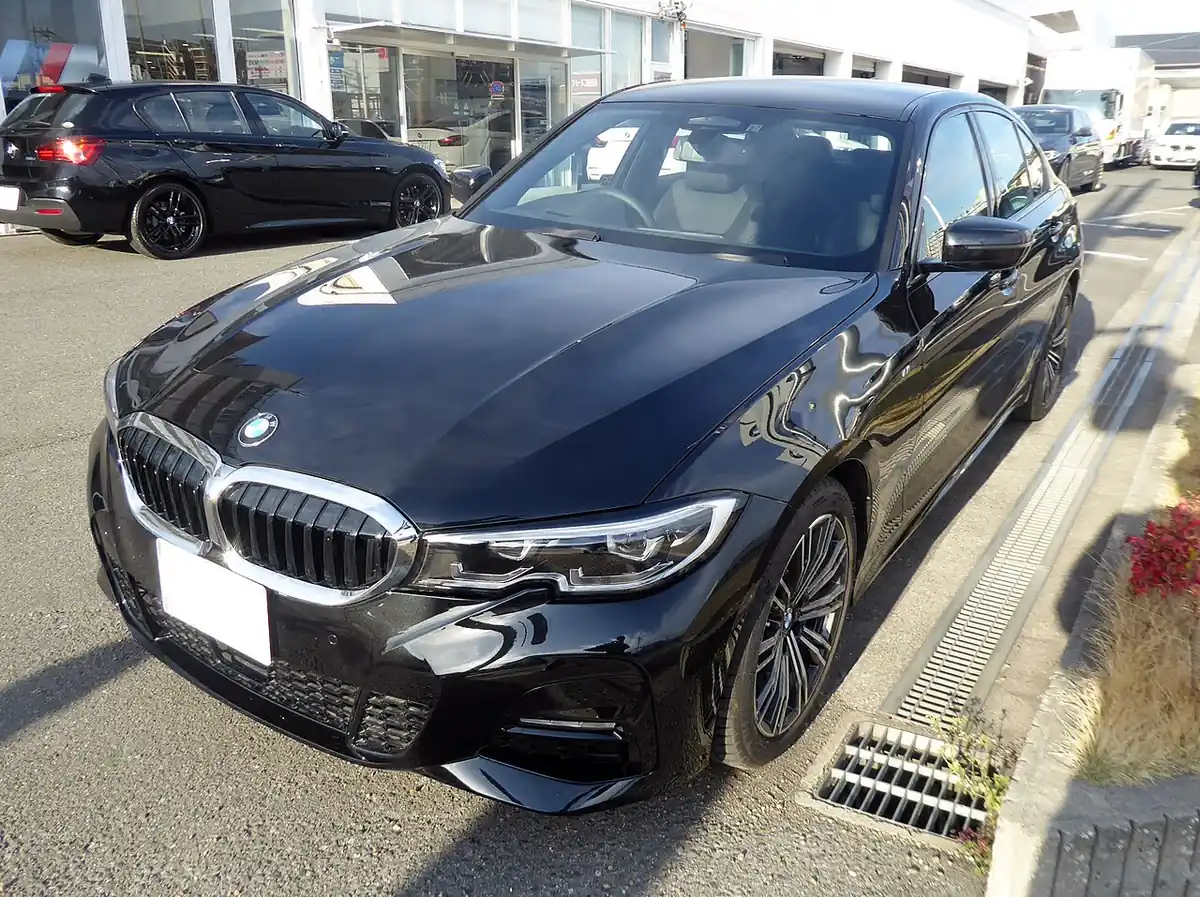
- Make
- BMW
- Model
- 3 Series
Separate what still works
Describe a normal recent use of the physical BMW key. If the ordinary remote still operates but access using a replaced phone has stopped, identify the phone model and whether the original phone had worked with this vehicle. Avoid approving a physical fob order solely because a phone was changed.
Read the correct BMW compatibility entry
The manufacturer’s compatibility list distinguishes eligible 3 Series vehicles and device families. Read the notes on country and production alongside the model entry. A registration year or a similar-looking saloon in a video cannot confirm equipment on an imported car.
Choose who handles each part
A failing button or damaged physical key is an appropriate enquiry for a workshop inspection. Ownership transfer, BMW ID access and device eligibility may need BMW’s connected-services support. Give each provider the observations relevant to its task and keep access codes with the account holder.
Questions about this service
Can I assume Digital Key Plus is fitted because the car is a 3 Series?
No. Identify the exact build, equipment, market and compatible device using BMW’s current information for your own vehicle.
